
For the final project, we started to work on one of three tracks.
As I wanted to handle multimodal data, I chose the processing track.
The theme for this prototype is 'inspiration from photos of everyday objects'.
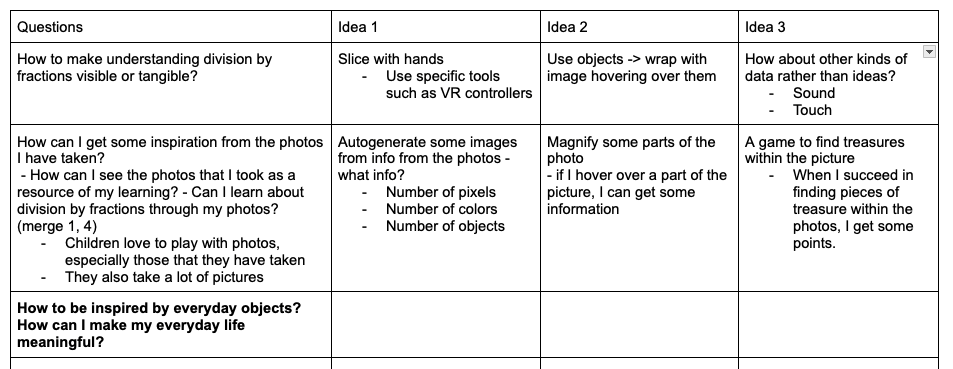
There are two reasons why I chose this theme.
First, I really wanted to commemorate and celebrate my baseball team's achievements.Today was the last game day for my Korean pro baseball team, and they did very well for this season!

Second, students really enjoy seeing themselves in photos that are displayed in public places at school. Additionally, while today's students take countless photos, however, they rarely look back at the pictures that they have taken.
Third, I have worked with colors at the data visualization course. Therefore, I really appreciated professor Schneider's suggestion to use photos!
Thus, I decided start by playing with data extracted from photos first.
First of all, I searched for some data that I can extract from a photo using ChatGPT.
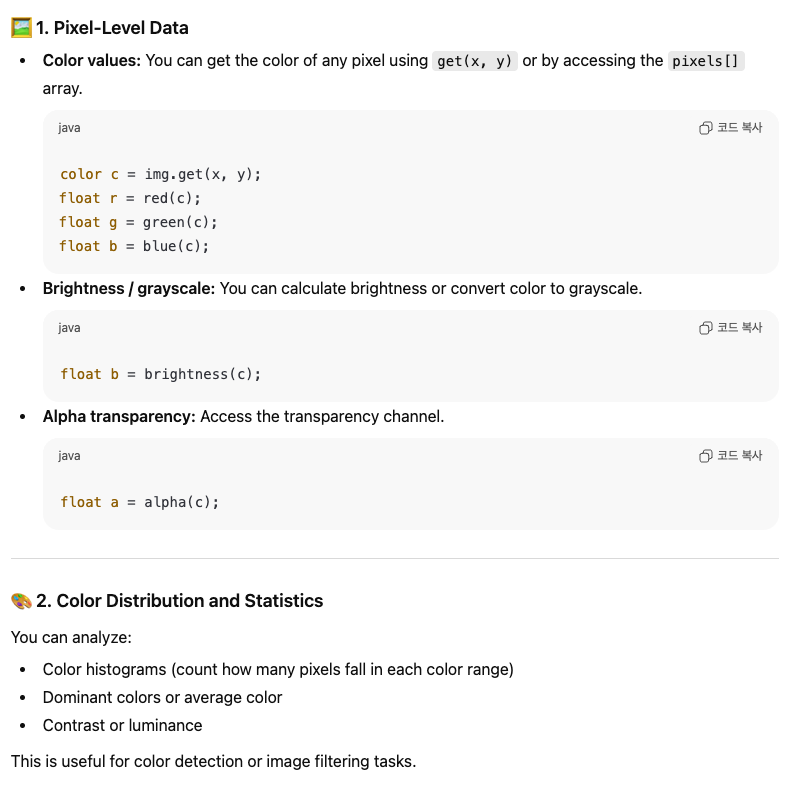
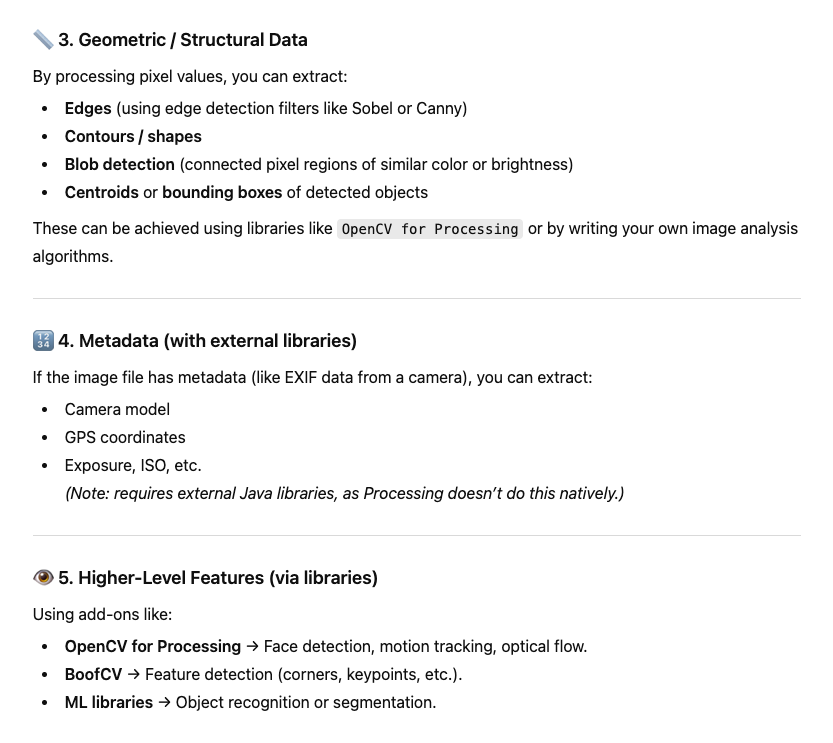
I decided to focus on colors, as they are a strong reflection of our emotions.
1. Extract different colors from data
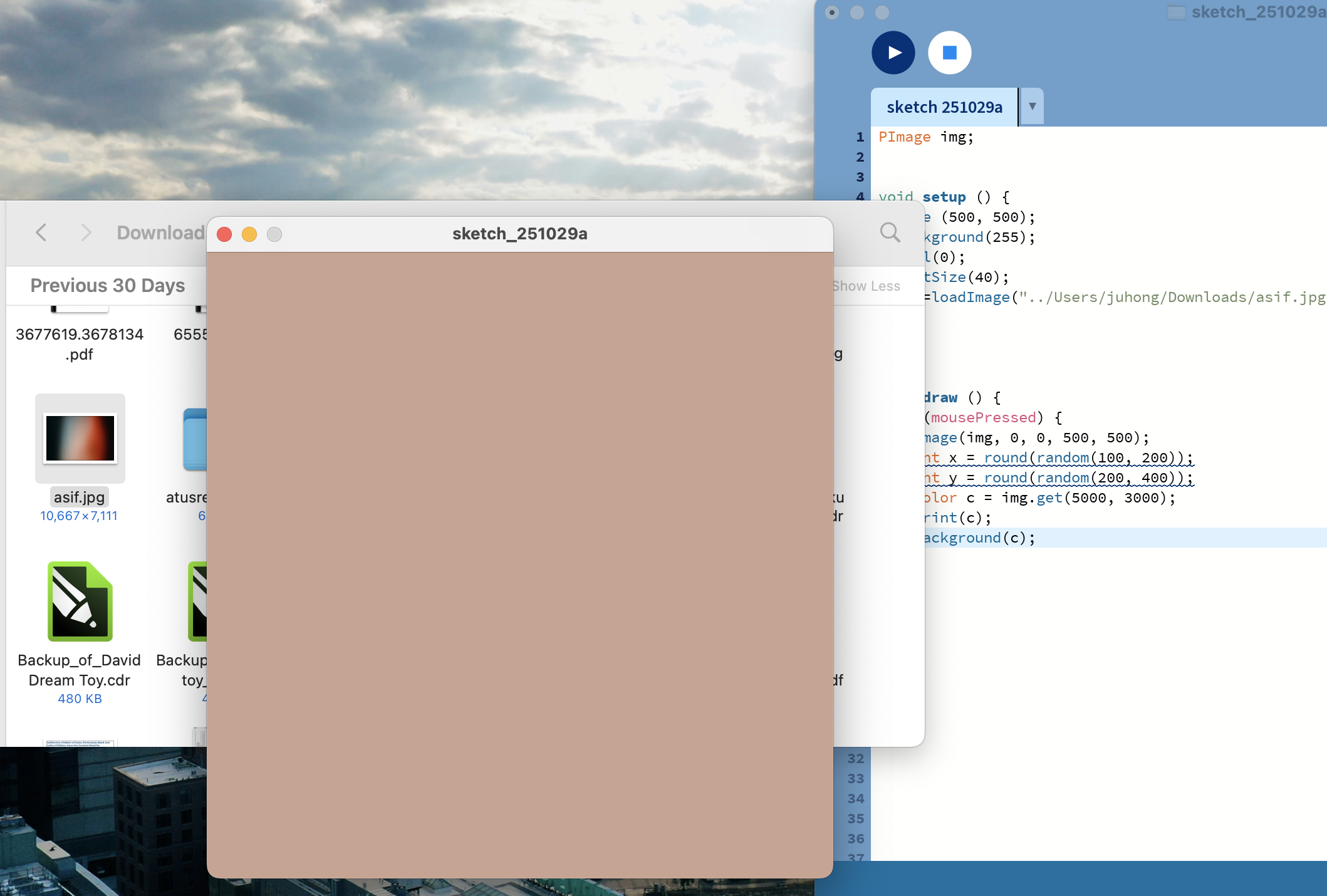
I tried extracting colors from the photo data.
To avoid selecting the same color in a single theme, I stored the previous color in a variable named 'previous'.
I also created a simple function to avoid choosing colors that are too dark, since I wanted use a black background.
color colorpicker (float wh, float ht, color previous){
  color c = color(255, 255, 255);
  while (c == previous || tooDark(c) == true){
    int x = round(random(0, wh));
    int y = round(random(0, ht));
    c = img.get(x, y);
  }
  return c;
}

boolean tooDark (color which){
  float r = red(which);
  float g = green(which);
  float b = blue(which);

  if (r < 30 | g < 30 | b < 30){
    return true;
  }else{
    return false;
  }
}
2. Adding lights
At first, I searched through Processing libraries to add more functionality. However, it was difficult to choose the right ones without trying out existing functions.
Therefore, I looked for Processing examples that I could merge with my project. I am particularly interested in the direction of lighting, as they has a significant impact on atmosphere and emotion. Fortunately, I found a function related to lighting that I could use!
https://processing.org/examples/directional.html
Directional / Examples
Move the mouse the change the direction of the light. Directional light comes from one direction and is stronger when hitting a surface squarely and weaker if it hits at a a gentle angle. After hittin…
processing.org
While searching for this example, translate function was a little bit confusing. I found this explaination helpful.
> For example, calling translate(50, 0) and then translate(20, 0) is the same as translate(70, 0)
3. Cylinders
Widener ㅣibrary has recently become my new favorite place to work and study. Its atmosphere evokes the feeling of working in a museum, which is one of my favorite places to visit.
I was particularly inspired by its interior design, which led me to incorporate the theme of memory into my project. I was especially drawn to the pillars. They not only gave me a sense of being surrounded but also seemed emblematic of museums in general.
Below, I have included a reference related to this inspiration.
https://vormplus.be/full-articles/drawing-a-cylinder-with-processing
Drawing a Cylinder with Processing | Vormplus
Drawing a Cylinder with Processing Posted on 2010-12-10 by Jan Vantomme Tags: processing, tutorial In this second article, I'm going to show you how you can create your own custom 3D shapes with Processing. You'll learn how to draw a cylinder by using the
vormplus.be

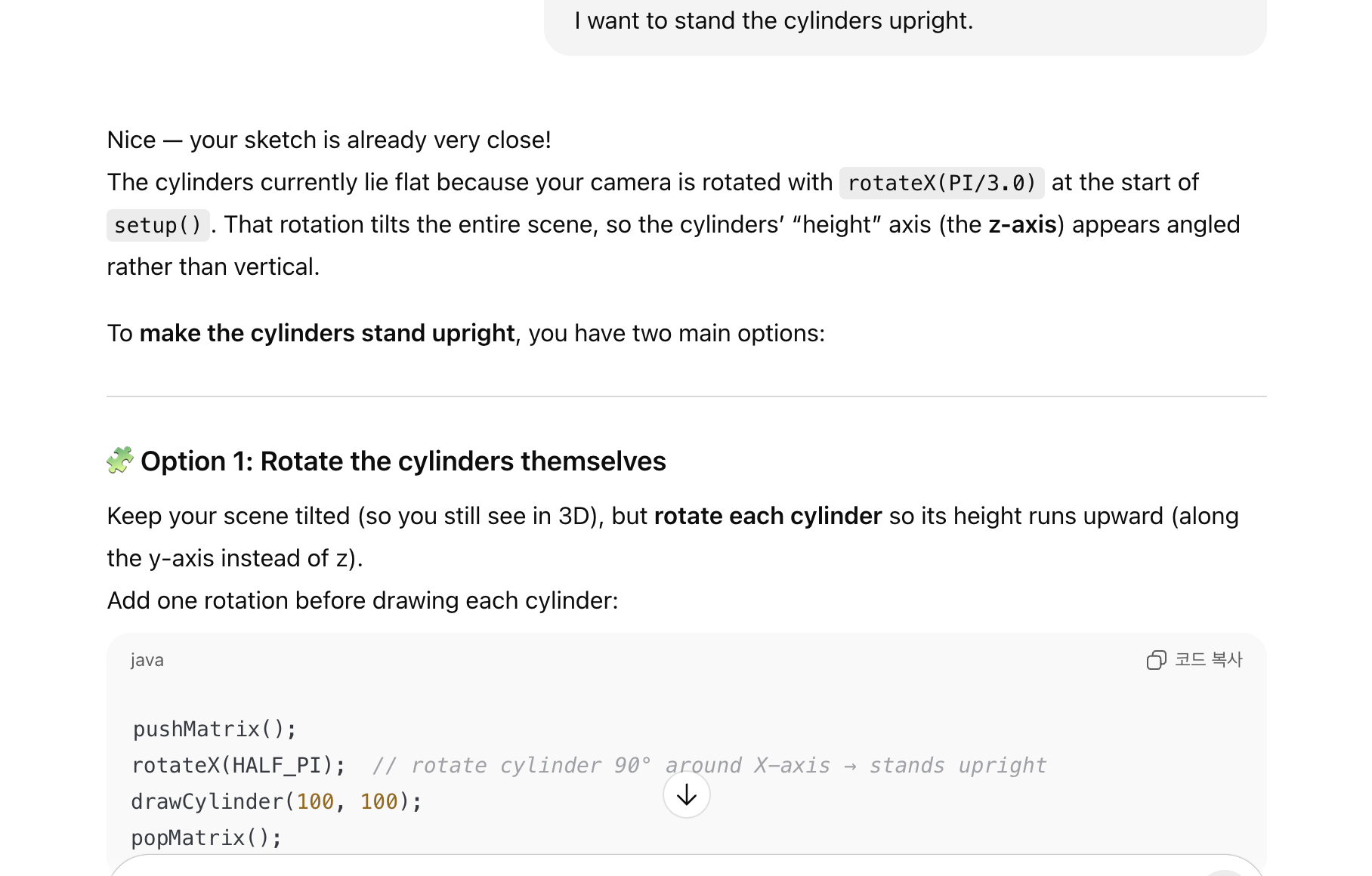
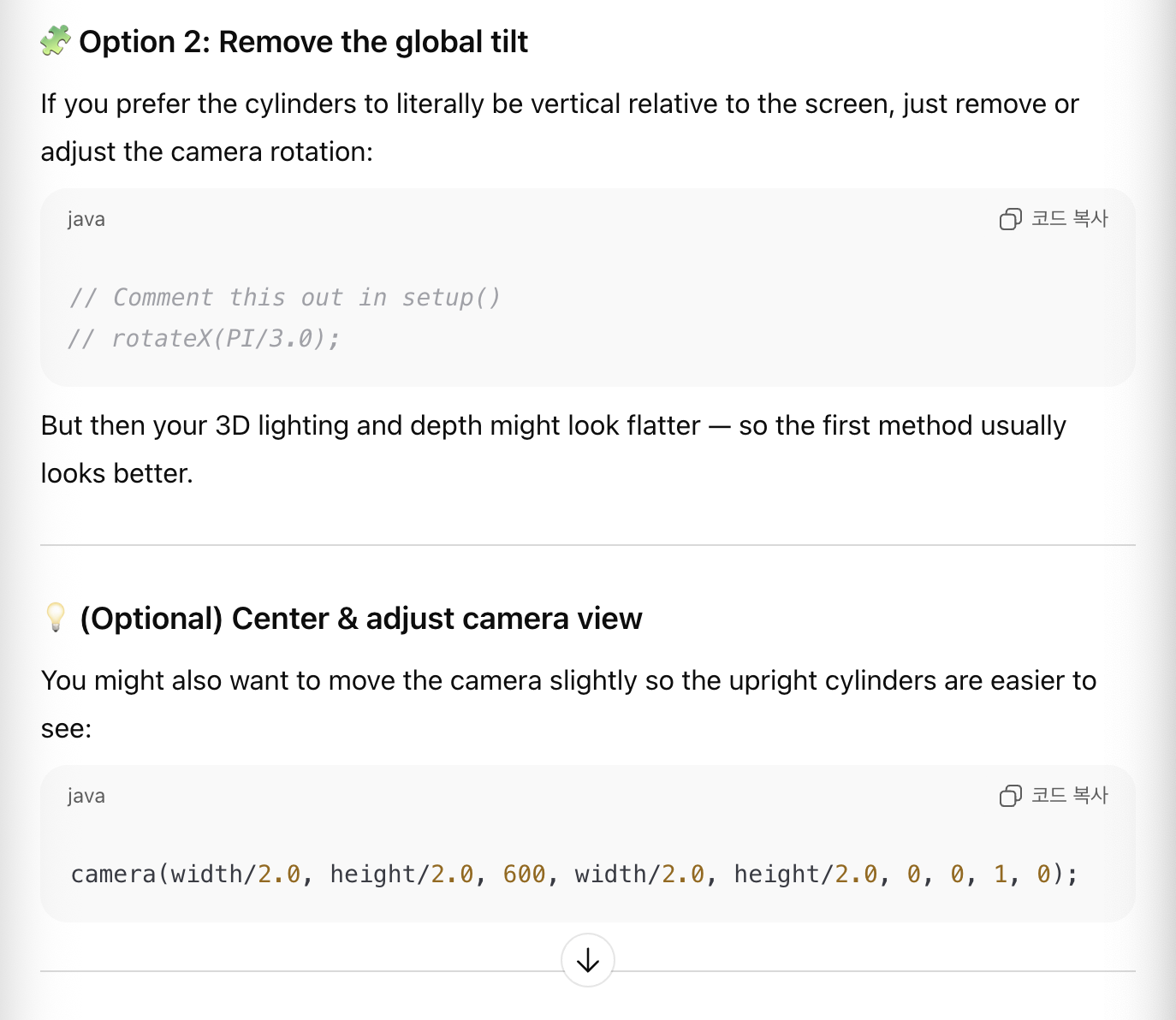
While working on the example, I struggled to make them stand upright. Eventually, I decided to ask ChatGPT for a hint to solve the problem.
I tried all of the suggested solutions, and the first solution turned out to be the simplest and most effective.


4. Move, move
I wanted the project to feel more lively! I found a valuable reference at the site.

It was a little bit struggling to position them front and back.
The key was the z axis inside the traslate function!
for (int i = 0; i < themes.length; i++){
    fill(themes[i]);
    newZ = i*(-600);

    pushMatrix();
    translate(mouseX-width, mouseY, newZ+m);
    rotateX(HALF_PI);
    drawCylinder(max(abs(width/2-mouseX), r), height*15);
    translate(width*2, 0, 0);
    drawCylinder(max(abs(width/2-mouseX), r), height*15);
    popMatrix();

  }
Final Design
I named it as 'Forest of Memory'. Although I was inspired by the Widener Library and interior designs of museums, the motion of going forward makes me feel being in the forest.
[Tips to Share]
1. The color was extracted based on the original position within the image. For example, if the picture is sized 3000*5000 pixels and the sketch is resized to 500*500 pixels, I still need to reference the original coordinates when extracting colors.
e.g.) color c = img.get(1530, 2350);
2. There are several available modes of the 'renderer' parameter in the size function. I am eager to try others as well!
https://processing.org/reference/size_.html
size() / Reference
Defines the dimension of the display window width and height in units of pixels. In a program that has the <b>setup()</b> function, the <b>size()</b> function must be the first line of code inside <b>…
processing.org
3. It is convenient to use the 'translate' function and 'rotateX/Y/Z' when working with 3D objects.
The complete code can be found in the following file:
'STUDY > Ed.M.' 카테고리의 다른 글
| Fall 2025 수강 후기 (2) | 2026.01.20 |
|---|---|
| [T519] Final Project - City Mapper (1) | 2025.12.15 |
| [T519] Learning Toolkit Analysis - Chibi Lights (0) | 2025.10.25 |
| [T519] Dream Toy Project(4): Final (0) | 2025.10.24 |
| [T519] Dream Toy Project(3): Developing prototypes (0) | 2025.10.13 |


댓글